Revolutionary Coaching Tool
Manage your team more effectively and free!
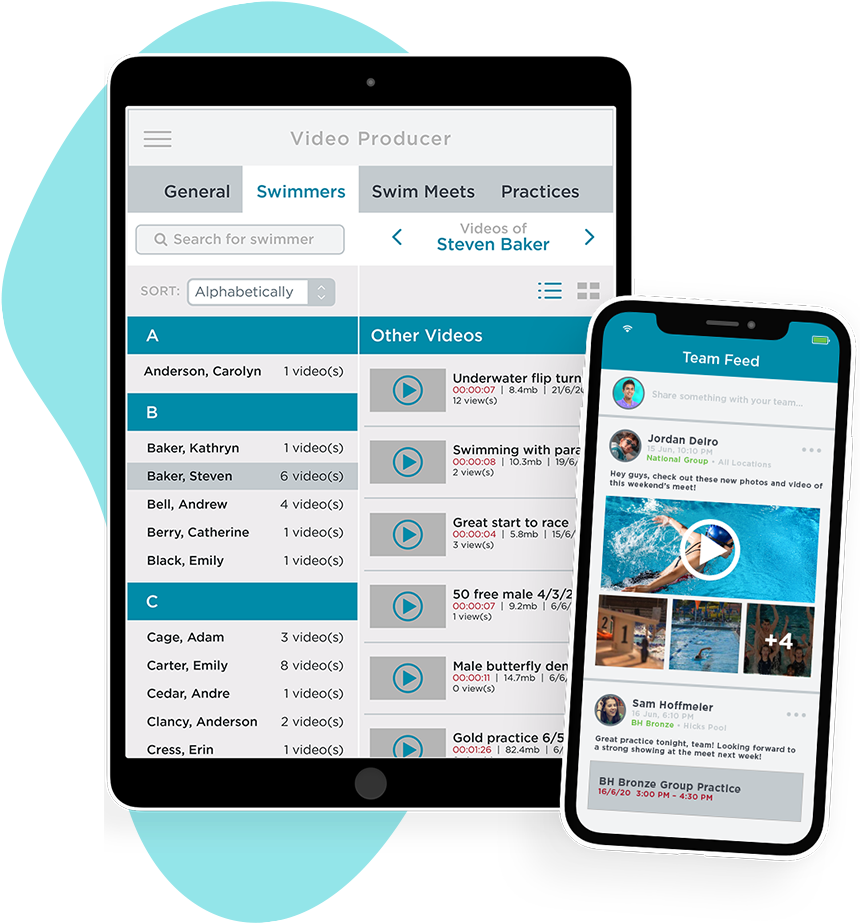
OnDeck: Revolutionary Mobile Power
Thousand's of swim coaches around the globe are experiencing new-found productivity at swim meets, tracking attendance, sending broadcast text messages, viewing best times, comparing to local and national time standards, manage rosters, enable move-ups, timing with their new stopwatch and adding news to their team's web site and Facebook.
Completely Wireless and Easy-to-Use
All OnDeck requires is an iPhone, iPod Touch or iPad from Apple. OnDeck integrates and wirelessly synchronizes with SwimOffice Platform with the tap of a button. The ease-of-use is unrivaled.
Setting New Standards. Erasing Complexity
Today, coaches carry stacks of paper to swim meets and bring multiple stopwatches to time races. Track attendance from printed paper, that's usually not up-to-date, then hand this to a team administrator. Do you email move-up announcements to the billing administrator? Add news to the team web site long after when the news occurred? Not anymore. OnDeck delivers all of this capability and power in the palm of a coaches hand.
The Worlds First Three-Person Race Stopwatch
OnDeck delivers a lot of "firsts", but the prospect of a coach timing three swimmers, in the same heat of the same race is impressive. Record a voice note to each race and wirelessly synchronize with the SwimOffice for families to hear directly from the coach must be seen to be fully appreciated.
One Last Thing: OnDeck is Free
Available for all TeamUnify SwimOffice customers, both team administrators and coaches can Download OnDeck to any Apple iPhone, iPod Touch, iPad or Google Android powered device then synchronize OnDeck to SwimOffice. In a matter of minutes, coaching productivity reaches mind blowing new heights.
Swim Meet Management
The Swim Meet Management function is the cornerstone of OnDeck, empowering coaches to watch more of each swimmers races with ease.
As new swim meets are created in SwimOffice and synchronized with OnDeck, the information is instantly viewable.
All of the meet information is synchronized to OnDeck, including prior splits. Time a race and with every tap of the lap button, OnDeck automatically calculates the split deltas showing if the swimmer is ahead or behind the previous split and running time.
During or after the race ends, you record a voice note. Then, synchronize the voice note to SwimOffice for the families to privately listen to the coaches feedback.
Stellar race-to-race performance that moves from one race to another with astonishing speed.
You can even add swimmers to events and build relays. It's the worlds first mobile meet entry system. Plus many more thoughtful and time saving features.
Meet Results
Want to view results from all past meets, including non-sactioned meet? OnDeck Meet Results allows for a coach to search by year to find a meet. Then simply tap on the meet to interactively search by athlete or race.
Finding meet results has never been easier. Best of all, adding new meets happens with each new sync. There's no guesswork or complexity.
Attendance Tracking
Most swim teams never track attendance because it's a completely manual process that takes hours and hours of a coaches time every month.
Coaches will never again lift a pen to paper to track attendance with OnDeck. Coaches select the swimmer or roster they want to track and tap if they are in or out of the water, late or excused. That's all it takes! Then tap the Sync button and the attendance data is instantly uploaded to the SwimOffice platform.
Need reports? OnDeck has integrated reports that allow you so to see weekly, monthly or seasonal attendance reports. We've even enabled you to compare roster group attendance performance.
Need printed reports? Sign into SwimOffice and view individual swimmer attendance or download a full report to Microsoft Excel.
Intelligent color coding in SwimOffice's reporting shows if a swimmer has not been in the water for a given billing period. Helping coaches and administrators see potential billing problems before they happen.
Account Management
OnDeck delivers access to the most accurate account roster ever. With every synchronization, OnDeck pulls the up-to-date account database exactly as SwimOffice has the data.
View accounts, make phone calls [with the iPhone], send e-mails, and see all swimmers within each account.
Tap on a swimmer to view the last ten days of attendance and a full history of all meets swum, best times with instant access to results.
Perform move-ups, take a photo of the swimmer and instantly synchronize these changes to SwimOffice for all team administrators to see.
With OnDeck, you're only a few seconds away from your team's entire account roster. More importantly, the ability to facilitate these changes while standing on deck, not sitting in front of a computer.
Swimmer Management
OnDeck offers multiple ways for to access to the most accurate swimmer roster ever. Directly thru the account view or swimmer view, either way with every synchronization, OnDeck pulls the up-to-date swimmer database exactly as SwimOffice has the data.
Tap on a swimmer to view the last ten days of attendance and a full history of all meets swum, best times with instant access to results and ability to compare times to local and national time standards, plus all future meets that the swimmer is declared to swim.
Perform move-ups, add and send requests to text capable phone numbers, take a photo of the swimmer and instantly synchronize these changes to SwimOffice for all team administrators to see.
With OnDeck, you're only seconds away from your team's entire swimmer roster. More importantly, the ability to facilitate these changes while standing on deck, not sitting in front of a computer.
Standalone Stopwatch
Built right into OnDeck is a standalone stopwatch with unlimited splits and a large, easy-to-read display.
Birthday Tracker
Have you every forgotten your swimmers birthday? Do you wish you had easy access to upcoming birth dates without digging thru stacks of paper?
OnDeck's Birthday Tracker delivers the easiest way to keep track of upcoming birthdays. The first time you synchronize OnDeck, highlighted in red, Birthday Tracker instantly displays the birthdays occurring today, birthdays occurring tomorrow are highlighted in blue, and for the rest of your swimmers, Birthday Tracker displays how many days away until their birthday occurs for a rolling 30 days.
Updated every time you sync to SwimOffice, tracking birthdays will never be easier or more efficient. Ensure your never going to miss another birthday!
All performed without using one sheet of paper. Effort = 0
Team News
Most team news occurs at swim meets. The problem is for a coach to remember to update the team's news page is not always easy or possible. It's certainly not timely.
It is now with OnDeck. OnDeck's Team News enables a team administrator or coach to add news while sitting at the swim meet. There's more. Shoot and add up-to five photos per news item [with the iPhone] and add a voice note for your families to privately listen to your meet update.
Tap the Send E-mail button when creating your news and the next time OnDeck Synchronizes with SwimOffice, the news is instantly posted to the team web site and an automated e-mail is sent to all of the active families. Pushing the news to a Facebook page is only one tap away!
You can even edit the news item as the meet progresses and re-post the new update keeping everyone connected with near real-time news!
Team News from OnDeck enables teams to more effectively send and communicate timely news, to better engage your families and swimmers with the news as it happens. It's revolutionary power, in the palm of your hand.
Time Standards
Remember back in the day when pen and paper was popular? Comparing times to time standards required sitting down in front of a computer and running/printing a report to see how times for a swimmer compared to time standards?
Worse yet, getting this information to your swimmers and parents in any reliable way for goal setting was at best difficult or impossible.
OnDeck changes all this so a coach or parent using OnDeck Parent can compare any time within OnDeck to a customizable list of all local and national time standards that is maintained and updated by TeamUnify.
Think about how much paper you'll save!
Job Manager
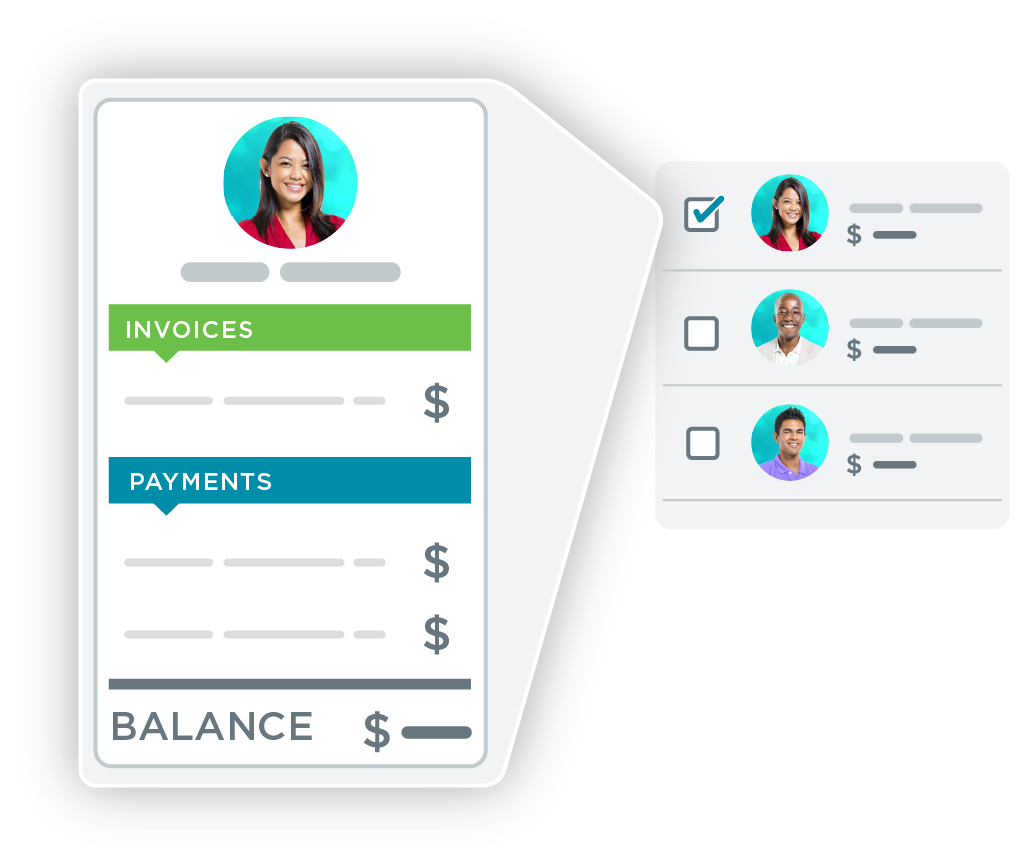
Combined with TeamUnify's powerful Volunteer Job sign-up system within SwimOffice, volunteers around the globe continue to rejoiced with the ease in which jobs were posted, filled and tracked.
With OnDeck Job Manager, the entire TeamUnify Volunteer job mangement process from sign-up to check-in is digital. The day of bringing pen and paper to the event to check-in are now gone.
Job administrators can now check people into their job(s) or that indicate they did not show-up, add new slots for extra help required, add entirely new jobs, select one, many or all volunteers and send emails and/or boradcast text messages!
Once done, tap the sync button and OnDeck will wirelessly syncronize all of the changes to the SwimOffice platform for your swim team.
OnDeck Job Manager is a revolutionary adminsitrator tool that will help save countless 10s of hours of time. Combined this with with OnDeck Parents, parents can view all avaiable jobs at events and sign-up withOnDeck then syncronize their commitments to the most advanced Volunteer Job sign-up system in existance.
Text Messaging
OnDeck Text Messaging in OnDeck makes the difficult and costly task of sending unlimited single or broadcast text messages simple.
Within the TeamUnify SwimOffice Platform, families and swimmers can add and verify their text capable phone numbers. Or within OnDeck administrators can send requests to text capable phones.
OnDeck Text messaging is actually two communicaiton tools in one. Administrators can choose to send an email and/or text messages to numerous pre-configured lists or custom select individuals.
You'll find a pre-configured list of canned messages that you can use then edit to save you time.
Best of all, there's no limit to the number of email or text message you can send for FREE!
Splits Math
TeamUnify's Splits Math is a bit of a novelty. One that you my find more effective than novel.
Splits math allows you to set a distance and a goal time then displays the average 25, 50 and 100 page needed to swim the time. From here, tap on any distance to see what the finish time will be if the set time is maintained.
Imaging setting a goal time in the 200 Free of 1:55.00, the swimmer will need to hold a 57.5 per 100 pace. Then tap on the 500 and the time wheels spin to 4:47.50, then tap the 1,000 and the wheels spin to 9:35.0, then tap on 1,650 and 15:48.75 is displayed. Just really easy and fun to plan your swimmers efforts, with or without them.
Or visa versa, set the 1,650 goal time and tap the distances and you see where you need to be at each distance.
Just another tool in your bag of tricks to get you swimmers to swim faster.
Preferences
We don't ever want to be called inflexible. That's why you'll find tons of controls to make OnDeck uniquely your own.
It starts with the ability to set the start screen so there's no searching for where you go most often, then re-order the menus and/or get rid of ones that you don't use all the time.
From there you can configure what distances you like to time races, set what time standards you want visible, set which rosters you want to see that will keep roster and locations you are not part of out of the picture.
Easily set your attendance tracking preferences to assumes a swimmers is either in or out of the water.
Select from all time standards from 59 Local LSC's, YMCA's and USA Swimming national time standards. If we're missing any, just let us know and we'll add them. Once we're done and you syncronize, the newly added standards will be available for you to use.